
Emergency help for Shopware & Shopify
Emergency help for Shopware & Shopify: even if you are not a client yet.
When your store is unreachable or checkout fails, every hour costs you orders.
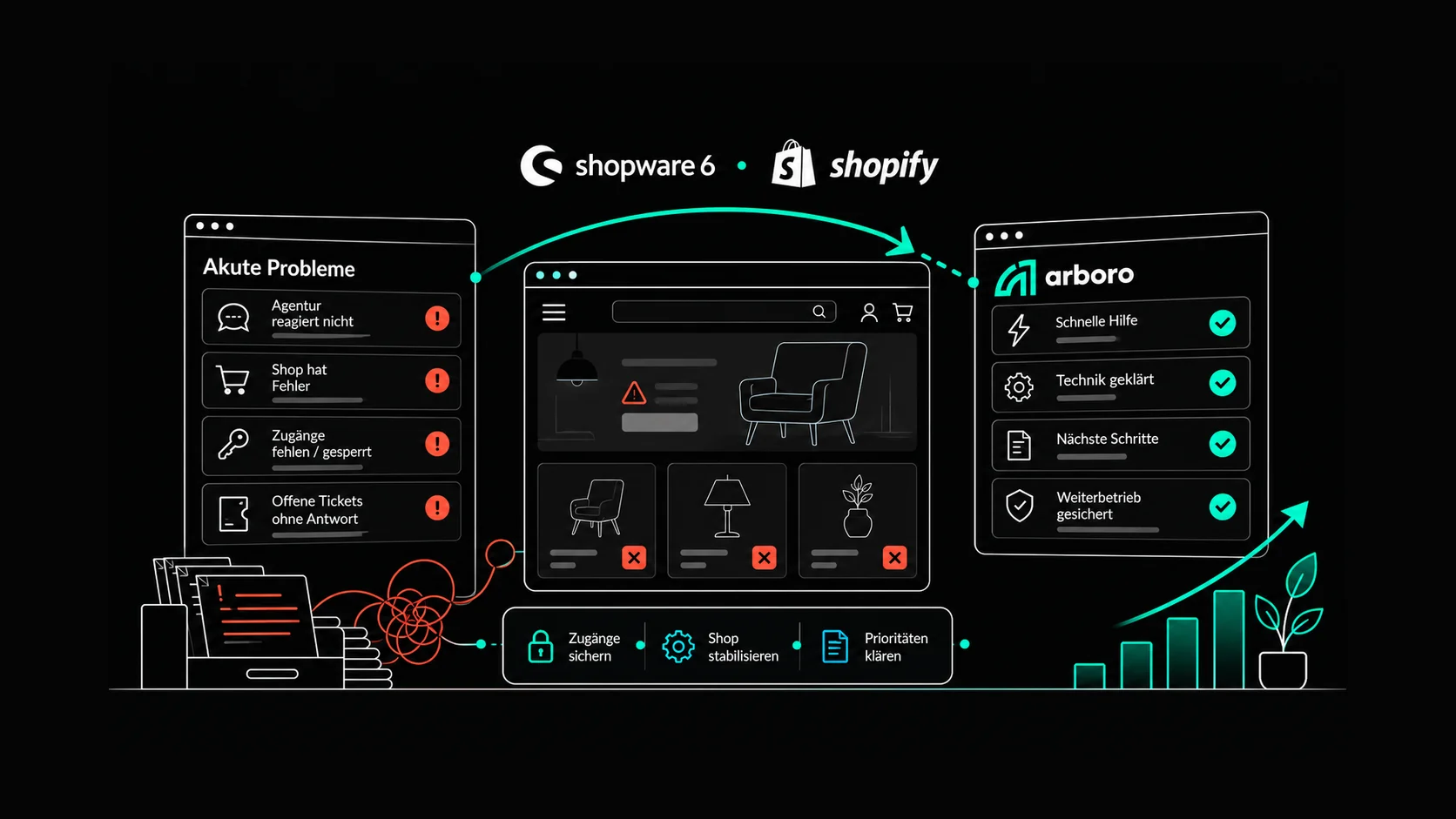
A senior developer at arboro finds the cause, fixes it and tells you plainly what is still open afterwards. No maintenance contract, billed by actual effort.
€150 per hour excl. VAT, billed to the minute · no emergency flat fee
)
)
)
)
)
The emergencies that reach arboro most often.
Almost every emergency falls into one of six situations. For each one, here is where the search usually starts in practice.
Store unreachable
Error page, blank page or timeout. Common causes are a full disk on the server, an expired SSL certificate, a change to the domain or DNS, or a plugin that takes the whole store down after a change.
Checkout or payment method broken
The store is running, but orders do not go through. Often nobody notices until customers call or the day's revenue is missing in the evening. Typical causes are a changed interface at the payment provider, an expired API key or an update that interferes with the order process.
An update or PHP upgrade broke the store
After a Shopware update, a plugin update or a new Shopify app, suddenly nothing works properly. Usually it is plugins that are not compatible with the new version, or customisations built directly into the system instead of as a clean extension. With Shopware 5, it is often enough for the host to raise the PHP version.
Suspected hack or malicious code
Unknown redirects, unfamiliar admin accounts, warnings from Google or your payment provider. The sooner the store is secured, the easier it is to trace how the attacker got in.
Integration has stopped
Orders do not reach your ERP, stock levels are wrong or the feed delivers no data. Often background processes are stuck, in Shopware 6 for example the message queue, or credentials or versions were changed on the ERP side.
Agency unreachable or insolvent
Tickets go unanswered, your contact is gone or the agency has ceased trading. Technically, nothing is broken in many of these cases. You simply cannot get at your own store anymore.
What you can do until a developer takes over.
Do not change things on a hunch
The obvious reaction is to disable plugins or restore a backup. With a hack, that wipes out the traces, and a restore loses every order placed since the backup. Leave things as they are until it is clear what happened.
Gather your access details
Hosting or server, store administration or Shopify store, domain management and, if available, the repository. Please do not send passwords by email. A separate admin user for arboro, which you delete after the job, is the better way. On Shopify, you approve a collaborator account without handing over your own password.
Report the emergency
Three details save the most time: what exactly is not working, since when, and what was last changed in the store. Things that seem minor count too, such as a plugin update the evening before or an email from your host.
Save the store first. Then decide calmly.
In an emergency there is no initial meeting and no long proposal. First the store runs again, everything else comes after.
Report the emergency
By phone or via the emergency form. A senior developer gets back to you, not a hotline. Your effort: a short description.
Access and first diagnosis
With access in place, the developer checks the error logs, recent changes and the state of the server. You learn where the cause probably lies and what the fix is likely to take. Your effort: grant access.
Get the store running again
Find the cause, fix it, test it. Where the situation allows, on a copy of your store first. If the store is completely down, the developer works directly on the live system after a backup. This is the deliberate exception to the rule of never developing live: as in an emergency room, stabilise first, then continue calmly. Your effort: be available for questions.
Short report
What the cause was, what was done, what is still open and what prevents it from happening again. Readable without developer knowledge. Your effort: read it.
You decide
It stays a one-off, or you hand your store over to arboro in a structured way. You make that decision once the pressure is off. Your effort: one decision, without time pressure.
What emergency help costs.
€150 per hour excl. VAT, billed to the minute. The statement shows who did what and when. There is no emergency flat fee, no surcharge and no minimum charge, and you do not need a maintenance contract.
As soon as the cause is clear, you get an estimate of the remaining effort. A full disk is often fixed in under an hour, cleaning up a hack including root cause analysis tends to take a day or more. You have a say before every larger step.
Your agency no longer responds or is insolvent?
That is unpleasant, but rarely as bad as it feels at first. You usually own more than you think.
What usually belongs to you.
Domain, hosting contract, Shopify store and Shopware account are usually registered to your company. In that case you get access back directly from the provider, without the agency. So first check whose name the contracts are in. That tells you more in a few minutes than any further email to the agency.
The code running in your store sits on your server or in your Shopify store. Even without a repository handover, it can be secured from there in most cases.
Where arboro helps.
Together we work out which access is missing and which provider to request it from. The store is backed up, mirrored to a copy and kept stable until the situation is resolved.
Questions about rights of use and open contracts belong with your lawyer.
Suspected hack or data leak?
Then it is about more than technology. The store is secured, malicious code and unknown access are removed, and you receive documentation of what was affected. You will need that documentation for everything that follows.
Inform your payment provider if there is any suspicion that payment data was captured.
Change passwords again after the clean-up, for store, server and hosting. As long as malicious code is in the store, new passwords can be intercepted.
Check the notification obligation. If personal data is affected, the GDPR generally requires you to notify the data protection authority within 72 hours. The deadline runs from the moment you become aware of the breach. The legal assessment belongs with your data protection officer.
And then?
Sometimes an emergency is a single fault, sometimes the symptom of a deeper problem. The report shows which one it is.
One-off help
The emergency is fixed, you receive the report, and that is the end of it. No contractual commitment.
Structured agency switch
Your store is taken over in a structured way: analysis, status report, staging and all access, at a fixed price of €1,200 excl. VAT.
Spot problems earlier with arboro.PULSE
arboro.PULSE monitors your store around the clock. An outage is noticed before customers call, and so are the quiet errors that nobody else would spot.
Frequently asked questions about emergency help.
Yes. Emergency help is meant precisely for stores that arboro is not yet responsible for.
You do not need a maintenance contract. Work is billed by actual effort.
€150 per hour excl. VAT, billed to the minute, with a record of the work.
There is no emergency flat fee. As soon as the cause is clear, you get an estimate of what the fix is likely to take.
As quickly as possible, on business days. You have the biggest influence yourself: the sooner access is available, the sooner work starts.
Fixed response times are available for stores with a support contract. You will find the levels on the store support page.
Hosting or server, the store administration or Shopify store and, if available, the repository.
For domain problems, also the domain management. The safest way is a separate user for arboro that you delete afterwards, on Shopify an approved collaborator account. Please do not send passwords by email.
First check what already belongs to you: domain, hosting, Shopify store, Shopware account.
You get this access back directly from the provider. In most cases arboro can secure the code in your store from the server or the Shopify store. After that, a structured takeover is possible.
Ask your host whether they can temporarily re-enable the previous PHP version. That is usually the fastest way to get the store back.
It buys you time, nothing more. Shopware 5 is no longer developed by the manufacturer, and hosts will not offer old PHP versions forever. Plan the switch while you can still plan it: Shopware 5 migration.
No. Emergency help comes without any contractual commitment.
You receive a report and then decide calmly whether it stays a one-off.
Shopware 5, Shopware 6 and Shopify.
arboro does not help with other systems, not even in an emergency. Fast help requires knowing the system inside out. If you want to move away from Magento, WooCommerce or another system anyway, a migration is the right route.
Do not delete anything and report the emergency immediately.
The store is secured and cleaned, and you receive documentation of what was affected. If personal data is affected, check the notification obligation with your data protection officer; under the GDPR usually within 72 hours.
Report an emergency
Tell us briefly what is going on. A senior developer will call you back, listen to the problem and tell you honestly whether and how arboro can help. Everything commercial is settled afterwards in the conversation.
 "Zoran Artmagic")
 "Shopware Gold Partner")
 "Shopify Partner")
 "Google Premier Partner")
 "iBusiness Top 100 SEO")
 "Internet Agency Ranking 2026")
 "Top Agency Performance Marketing 2026")
 "Owner-Managed Digital Agency 2026")
 "ISO 9001")
 "TÜV Rheinland – Certified Qualification in Sales Psychology")