
Your Shopify agency won't hand over access: how to regain control
Case 1: You own the store
Check under Settings > Users who is listed as owner. If it is your company, you do not need the agency for the store itself:
Give the new agency access: share the collaborator request code and accept the request. The steps are in Shopify staff account and collaborator access.
Back up the theme: duplicate and download the live theme. See Back up and duplicate a Shopify theme.
Remove the old agency's access: delete the agency's collaborator account and staff accounts, then generate a new request code.
What you cannot solve yourself are custom apps the agency built in its own partner organisation. They run on its side. Settle this first, before removing access, see Shopify apps and subscriptions when changing agency.
Case 2: The agency owns the store
Then only the agency can transfer ownership. Proceed like this:
Ask in writing: request by email that ownership be transferred to a specific person at your company, with a date. How the transfer works is covered in Transfer Shopify store ownership.
Settle open issues: if there are open invoices or disputes about services, that is usually the real reason. Settle it first.
Involve Shopify Support if the agency does not respond. Support needs proof that the store belongs to your company, for example a commercial register extract, invoices, contracts with the agency, domain ownership, the store's legal notice.
Who holds which rights to custom-developed code is governed by your contract with the agency. In a dispute, that is a question for a lawyer. We are not lawyers and do not give legal advice on this.
Access that is often forgotten
The store is only one part. These accounts run separately from Shopify and have their own owners:
Domain: bought through Shopify or at an external registrar? Who is the domain holder?
Google: Analytics, Search Console, Merchant Center, Google Ads and the Google & YouTube sales channel
Meta: Business Manager, ad account, pixel or dataset, catalogue
Email marketing: Klaviyo, Mailchimp or others, with all contacts and consents
Apps with their own account: reviews, shipping, loyalty, translations
Payment providers outside Shopify Payments: PayPal, Klarna and others
If these accounts belong to the agency, a bad parting means it also takes your data and your advertising history. For each account, request a transfer to your company, or that the agency adds you as owner and then removes itself.
The technical side: data flows nobody sees
With Shopify, server and code are with Shopify. What still gets overlooked when changing agency are the data flows out of the store. They are invisible day to day and simply keep running after the switch:
Webhooks in the admin. Under Settings > Notifications > Webhooks, webhooks can be created that send data to an external address when orders, customers or products change. If one points to a server of the old agency, your order data keeps flowing there. Webhooks created in the admin are not visible through the API; you only find them by looking in the admin.
Shopify Flow. Workflows can send data to external systems through the action for sending HTTP requests, using stored credentials. We check every active workflow for where it sends data and whose credentials it uses.
API access of custom apps. Apps with Admin API access have credentials that can read orders and customers. If these credentials are with the old agency, they are replaced or the app is removed.
Storefront API access for headless stores. If the frontend runs on Hydrogen or another system outside Shopify, hosting, deployment and credentials often depend entirely on the agency.
Tracking and pixels. Google tag, Meta pixel and server-side tracking often run through the agency's accounts or servers. If you do not take them over, you lose conversion data and with it campaign control when switching. How server-side tracking is set up properly is described on Server-side tracking.
We go through this list with every takeover. Only once it is clear which data flows where do we decide what stays, what is switched and what is turned off.
Running the store in the meantime
A Shopify store keeps running even if the handover is stuck. With collaborator access, a new agency can take over operations and support while ownership or apps are still being clarified. During this time, watch out especially for apps of the old agency that could suddenly be switched off.
So it does not happen next time
The store owner is always your company, with a company email
Agencies work as collaborators, not as owners
All marketing and app accounts run in your company's name
Agency-built apps only with agreed access to the source code
The theme lives in a repository in your GitHub organisation
How we help at arboro
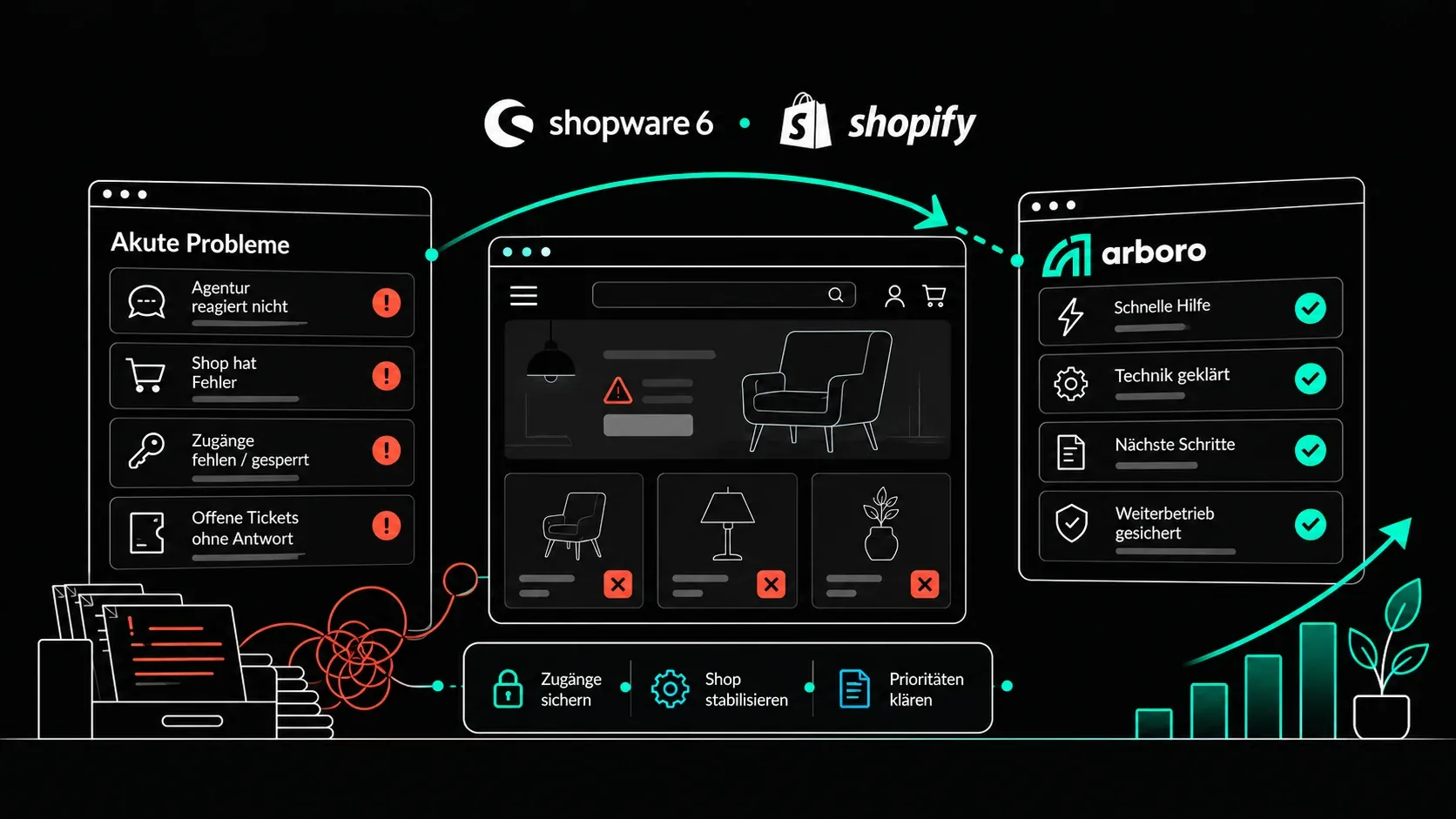
We often come in exactly when a handover is stuck. We check ownership, apps and all accounts, take over operations through collaborator access and rebuild critical apps before the old agency switches them off. More on Switch your Shopify agency and Shopware & Shopify support. If the store is down right now, emergency help is the fastest route.
Frequently asked questions
Yes, if you own the store. Under Settings > Users, remove the agency's collaborator account and staff accounts. Check first whether any of the agency's apps run in the store.
Request the ownership transfer in writing. If the agency does not respond, contact Shopify Support with proof that the store belongs to your company.
Not for the theme, because it lives in the store. For custom apps the agency developed, yes. Without the code, the new agency has to rebuild those apps.
Yes. The store keeps running at Shopify. The risk is apps of the old agency that could be switched off. Those should be checked first.
Author

Susi Streitberger
Senior Frontend Developer
The handover is stuck? We take over anyway.
We check ownership, apps and accounts, take over operations through collaborator access and clarify the rest in parallel.