
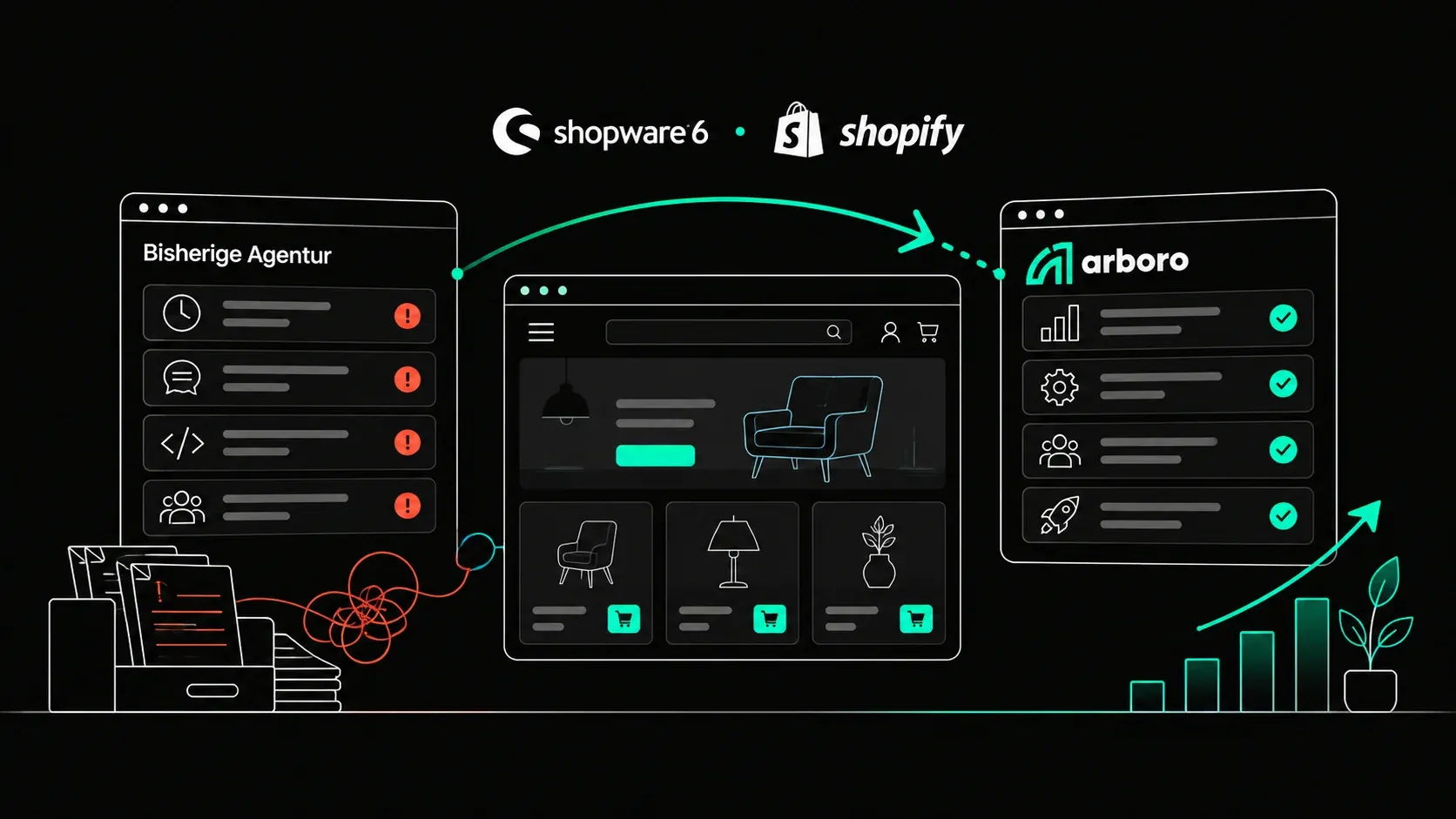
Your Shopware agency won't hand over access: what you can do now
Which access belongs to a Shopware shop
For a complete switch, the new agency needs more than the administration password. The full list:
Shopware Account with shop domain, plan and all licences
Administration of the shop with a user with full rights
Hosting: customer account with the host, server access via SSH, database access
Code: Git repository with theme, custom plugins and configuration, including history
Domain and DNS: access at the registrar and to DNS management
Interfaces: credentials and API keys for ERP, inventory, payment providers, shipping services
Marketing accounts: Google Analytics, Search Console, Merchant Center, Google Ads, Tag Manager, consent tool
Step 1: Check what you already own
Before applying pressure, calmly check what already runs in your name. It is often more than expected:
Hosting contract in your company's name? Then you can reach server and database through the host, even without the agency.
Domain registered to your company? Check the domain holder. If it is your company, the registrar can give you access.
Own Shopware Account with the shop in it? Then plan and licences belong to you. How to check is covered in Transferring Shopware account and licences.
Own admin user in the shop? Then you can create further users yourself and deactivate the agency's.
Google accounts with your company email as owner? Then you can remove the agency's rights there yourself.
Step 2: Ask in writing and be specific
Send the agency a factual email with a complete list of access, a clear date and a request for confirmation. The more specific the list, the harder it is to skip individual items. Explicitly ask for the Git repository with history, not just a ZIP file.
Common reasons for delay are open invoices or an unclear agreement on who owns custom-developed code. If there are open amounts, settle them first. That resolves most blockages faster than any dispute.
Step 3: Secure what you already control
As soon as it is clear that the collaboration ends, secure your side:
Create your own admin user in the shop if you do not have one
Change the passwords of accounts that run in your name
Restrict the agency's rights in Google accounts, consent tool and payment providers to what is needed
Take a current backup of database and media, or have the host take one
Remove the agency's users only once it is clear that no work affecting the shop is still in progress there. Otherwise you risk half-finished changes.
What a complete technical handover includes
For a decision-maker, the list above is enough. For the new agency to run the shop safely from day one, more is needed technically. We request these items with every takeover:
Git repository with full history and all branches, not just the current state as a ZIP. The history shows when what was changed and is often the only explanation when errors occur.
Deployment: how the code gets to the server, the pipeline configuration, the secret variables stored there and the Composer token for the Shopware registry.
Server: SSH access, web server and PHP configuration, cron jobs, the services for the message queue and scheduled tasks, Redis and OpenSearch if used.
Environment variables: the content of the .env file with database, mail and service credentials.
Integrations in Shopware: the API access under Settings > System > Integrations, through which ERP, PIM, marketplaces and other systems talk to the shop. For each one: which system uses it, and who looks after that system.
Complete DNS: not just the shop records but also MX, SPF, DKIM and DMARC. If the mail records are forgotten during a move, you notice when order confirmations land in spam or stop arriving.
SSL, CDN and firewall: where certificates are issued, whether a CDN such as Cloudflare sits in front, and who has access there.
Documentation of custom developments: what each custom plugin does, which templates are overridden, what is special about the shop.
Removing the old agency's access cleanly
Changing a password is not enough. An agency that has worked on a shop for years has access in many places you cannot see. As soon as the new agency has taken over and a backup exists, the clean-up is systematic:
Deactivate or delete the old agency's admin users in the Shopware administration
Review the API access under Integrations created by the old agency, regenerate it and supply the affected systems with the new credentials
Remove the old agency's SSH keys from the server, change SFTP and database passwords
Remove users from the customer account at the host
Revoke deploy keys and access to the Git repository
Regenerate the Composer token in the Shopware Account and delete the old one
Check access at payment providers, in the CDN and in Google and marketing accounts
The order matters: first secure and take over, then revoke. If you lock first, you may lock yourself out, for example when a deployment still runs with the old agency's key.
Step 4: Contact the parties that can help directly
Licences in the agency's account: the transfer starts in the agency's account. If they do not respond, contact Shopware's customer team at customer@shopware.com with proof that you own the shop.
Hosting in the agency's name: talk to the host about a contract transfer or a move to your own contract. The new agency can then take over the server content.
Code without a repository: the running code is on the server. With server access it can be backed up completely. What is missing is only the history.
Domain registered by the agency: have the domain holder changed to your company. This needs the cooperation of the current holder or the registrar.
Who holds which rights to the code is governed by your contract with the agency. If there is a dispute about it, that is a question for a lawyer, not for the new agency. We are not lawyers and do not give legal advice on this.
Step 5: Keep the shop running meanwhile
A shop does not have to stand still just because one access is missing. With admin access and server access, a new agency can take over operations and support while licences or repository are still being clarified. What matters is that someone monitors the shop during this time.
So it does not happen next time
From now on, create every access in your company's name: Shopware Account, hosting, domain, Google accounts. The agency gets access as a user, not as the owner. And agree that the code lives in a repository you can access at any time.
How we help at arboro
In difficult handovers we often come in exactly at this point. We build the complete list, check what you already own and take over operations through the access that is available. The rest is clarified in parallel. How that works is on Switch your Shopware agency. If something is on fire right now, emergency help is the fastest route.
For ongoing care after the takeover: Shopware & Shopify support. If tracking and pixels run through the old agency's accounts, server-side tracking belongs on the list too.
Frequently asked questions
That depends on your contract and the circumstances, and in a dispute it is a legal question. In practice: accounts in your company's name belong to you anyway. For everything else, a complete written request usually moves things forward. In a real dispute, consult a lawyer.
Yes. With server access, the running code can be backed up completely and moved into a new repository. Only the change history is missing.
Contact Shopware's customer team at customer@shopware.com with proof that you own the shop. The shop keeps running in the meantime.
Yes. The shop keeps running on the server regardless of who holds the credentials. What matters is that someone keeps an eye on errors, outages and security updates during this time.
Author

Dirk Persky
Head of Shop Support
Florian makes sure everything runs smoothly for our customers! He's got loads of experience in e-commerce and app development. As a certified IT specialist, he handles our clients' Shopware shops, plugins, and connects their shops with the ERP. With his friendly and communicative nature, he's the go-to for tech questions.
The handover is stuck? We take over anyway.
We check what you already own, take over operations through the available access and clarify the rest in parallel.