
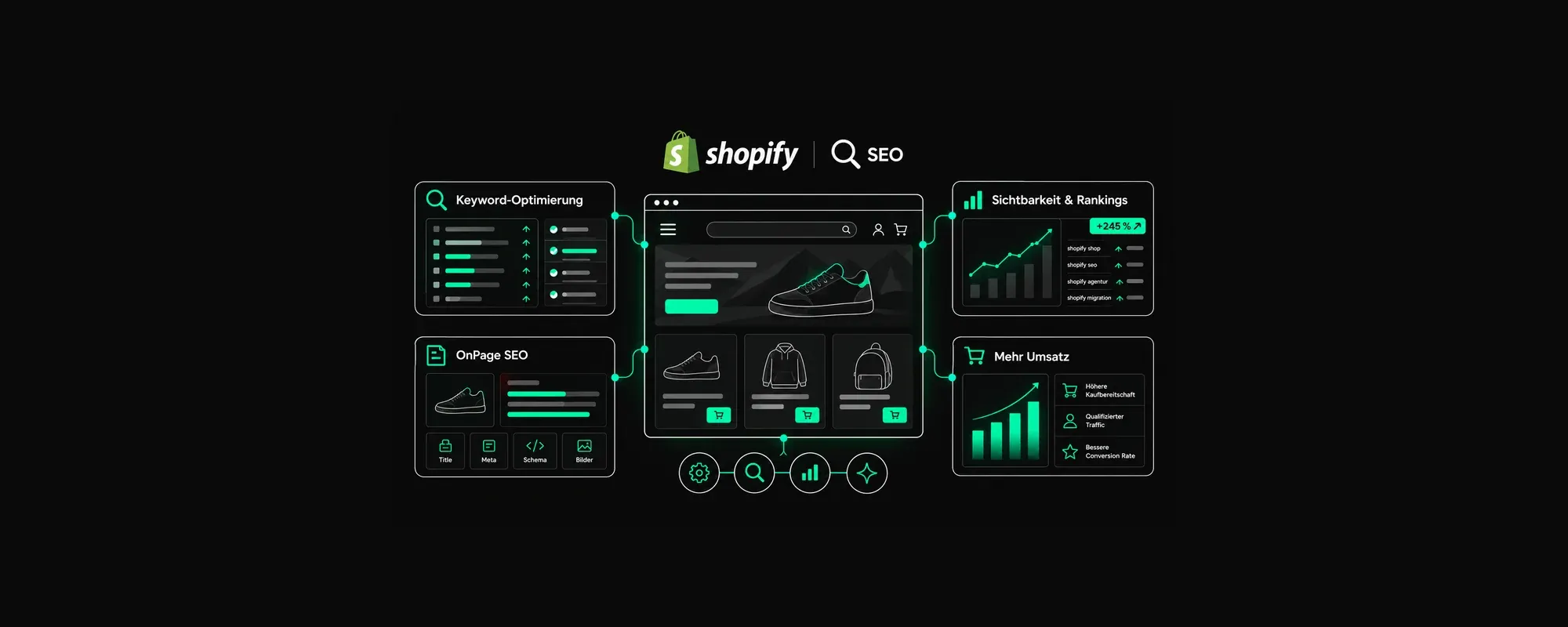
Shopify SEO: seven places where stores lose technical visibility
Why Shopify stores lose technical visibility even when everything looks “right”
Shopify ships with more SEO fundamentals than most shop systems: clean canonicals, a sitemap, a sensible robots.txt, fast servers. And yet in audits we regularly see stores that fall short of their potential despite good products and decent copy. The cause is rarely the content and almost never the platform itself. It sits in seven places that are decided in theme and app configuration, and that hardly any merchant has on their radar.
We've described the five most common basic mistakes on our Shopify SEO page. This article goes one level deeper. Not all of it applies to every store, and I say so at each point. If you only sell in one country, you can skip the first two sections.
1. Shopify Markets: country versions Google can't tell apart
With Shopify Markets you sell from one store into several countries, via subfolders like /de-ch/ or separate domains. Shopify generates the hreflang annotations for this automatically, and it does so reliably. The problem arises one step earlier, in the setup.
An example we see often: one market for Germany, one for Austria, one for Switzerland, all in German, all with identical copy, prices in euros and the same shipping information. That is not a duplicate-content problem for Google; hreflang exists for exactly this. It's a relevance problem. Three country versions with no difference whatsoever give Google no reason to show the Swiss page to a Swiss user. In practice, the German version usually ranks everywhere, and Swiss customers land on euro prices.
One misconception I'd like to clear up: Shopify does not redirect visitors automatically by IP address. The Geolocation app shows a recommendation, nothing more. Forced redirects come into stores via third-party apps, and those really are a problem for Google, because a crawler sitting in the US then never sees the German page.
My recommendation: a separate market only where it actually differs, meaning its own currency, shipping costs, payment methods and, where there is a real difference, its own copy. A market that differs from no other doesn't need its own URL. And no forced redirect; a country selector hint instead.
2. Translate & Adapt: language versions that are half translated
Shopify's translation app creates language versions in subfolders like /fr/ or /it/. For Switzerland, that's the standard route to a French or Italian store. The risk lies in the fallback: anything that isn't translated, Shopify displays in the default language. The page exists, but to Google it's a French URL with mostly German content.
The parts that get forgotten most are the ones customers don't see immediately: URL handles, page titles, meta descriptions, alt texts, metafields and the text that comes from apps. A store can look fully French in the frontend and still deliver French product pages with German titles to Google.
My recommendation: before a language version goes live, crawl the language subfolders specifically looking for the default language in titles, descriptions and headings. Machine translation is perfectly fine here, as long as someone who speaks the language reviews the pages that decide purchases: categories, bestsellers, shipping and returns.
3. Filters: thousands of URLs, but none that rank
The Search & Discovery app creates a separate URL for every filter selection. Shopify catches the worst of it: the default robots.txt blocks combinations of several filters (filter&filter) and tag combinations with plus signs, and filtered pages carry a canonical pointing to the unfiltered collection. Individual filter URLs remain crawlable, though. With large catalogues, thousands of URLs go into crawling that all point to the same collection. What your Shopify store’s robots.txt actually blocks is shown by the robots.txt Checker.
But the real problem isn't the wasted crawl. It's the ranking you're giving away. There is genuine search demand for “women's waterproof running shoes”, but in most stores there is no page that could rank for it. The filter URL can't, because its canonical points to the main collection.
My recommendation: filters with demonstrable search demand become collections of their own, with their own title, their own copy and internal links from the main collection. That's rarely more than ten to twenty per store. Everything else stays the way Shopify intends it: crawlable, with a canonical to the collection. If you also want to block the filter URLs in robots.txt.liquid, you can. It only becomes necessary once Search Console shows that crawl budget is actually getting tight. For a store with 500 products, that's a non-issue.
4. Pagination: products from page two that Google doesn't find
Large collections are spread across several pages (?page=2, ?page=3). Shopify puts a self-referencing canonical on each of these pages, and rightly so. Page two shows different products from page one, so it may be indexed in its own right. Nobody needs to intervene here.
The problem comes from themes that replace pagination with “load more” buttons or infinite scroll. It feels better for the customer. For Googlebot, the products from page two onwards only exist if the theme still outputs real links to the following pages in the source code. Many don't. The result: products reachable only via this collection lose their internal links, and with them their rankings.
My recommendation: open a large collection with JavaScript disabled. Do you see links to pages two and three? If not, the theme needs adjusting. It also helps to link important products not only via one collection but via sub-collections and guides.
5. Metafields and structured data: when two product markups contradict each other
Google and AI systems understand products through structured data: brand, GTIN, price, availability, reviews. Shopify themes output a basic framework for this. Then a review app is added and writes a second product markup into the same page, with a different rating count, a different price format or no GTIN. Google now has two contradictory statements about the same product. At best it ignores one, at worst both. The review stars the app is actually being paid for disappear from the search results.
On top of that, much of the information a merchant carefully maintains in metafields, such as material, dimensions or compatibility, never reaches the markup at all. For Google Shopping and for product recommendations in AI answers, exactly the data that makes the difference is missing.
My recommendation: a single product markup, directly in the theme, fed from product data and metafields, with the GTIN from the barcode field. The review app only supplies the data, not its own markup. Google's Rich Results Test shows in two minutes whether it works.
6. Images: what the CDN does automatically and what it doesn't
Here's some good news that is often told wrongly: the Shopify CDN automatically delivers images as WebP or AVIF, depending on what the browser supports. You don't have to do anything for this, and no app in the world needs to do it for you.
What the CDN doesn't decide is the image size. Whether a smartphone gets a 400-pixel-wide image or the 2,000-pixel original is determined by the theme through the size parameters in the Liquid code. The same goes for whether the large hero or product image is deferred via lazy loading. That is the most common cause of poor Largest Contentful Paint scores in Shopify stores: the most important image on the page is deliberately loaded later because someone enabled lazy loading for all images across the board.
My recommendation: look at PageSpeed Insights for one product page and one collection page. If the main image shows up there as the LCP element with lazy loading, that's your first fix. Then responsive image sizes in the theme, and alt texts filled systematically from product data instead of product by product by hand.
7. Headless and Hydrogen: freedom you have to pay for
With Hydrogen, Shopify builds the store as a standalone React application, detached from the theme. A preliminary note, because it's often misrepresented: Hydrogen renders server-side. The worry that Google only sees an empty page is unfounded for a properly set up Hydrogen store.
The risk lies elsewhere. Everything a theme delivers as SEO fundamentals as a by-product has to be actively built with headless: canonicals, hreflang, structured data, redirects, sitemap, meta information for every page type. None of it is rocket science, but every forgotten detail costs rankings, and it does so precisely when the new store goes live. I've seen more than one store that was prettier after switching to headless and still lost half of its organic visitors because the old URLs led nowhere.
My recommendation: headless only with a clear reason that pays off commercially, such as a frontend for several channels or requirements a theme can't meet. For the vast majority of stores, including large ones, a well-built theme is the more economical solution. If you go headless, you need a redirect plan and an SEO sign-off before go-live, not after.
Where to start
Not all seven points are equally important, and none of them applies to every store. If I had to prioritise:
Images and pagination first, because they affect every store and can be fixed in the theme with manageable effort.
Then structured data, because it decides on review stars, Google Shopping and AI recommendations.
Filters as dedicated collections pay off once your catalogue is large enough that customers actually search by attribute.
Markets and translations only if you sell internationally. In that case, before go-live, not after.
Headless is a fundamental decision, not an SEO measure.
If you want to know where your store stands on these points: a look at Google Search Console under “Pages” and “Enhancements” answers half the questions by itself. A technical crawl shows the rest. We do both as part of our free SEO check-up for Shopify stores, with a result you can use even if you don't work with us afterwards.
Author

Zoran Artmagic
Managing Director
In 2009, he started arboro in a tiny office in Heilbronn, and now it’s a thriving e-commerce and online marketing agency with multiple locations. Zoran worked freelancing as a software architect for big companies before making arboro his masterpiece. He values a good work atmosphere, equal communication, and customer focus. Nowadays, he's all about advising clients and finding talented staff for the ever-growing company. Plus, he's super passionate about evolving arboro's mission and company values.